Low Budget Repairs Controls Guide
Keyboard and mouse basics for renovation chaos.
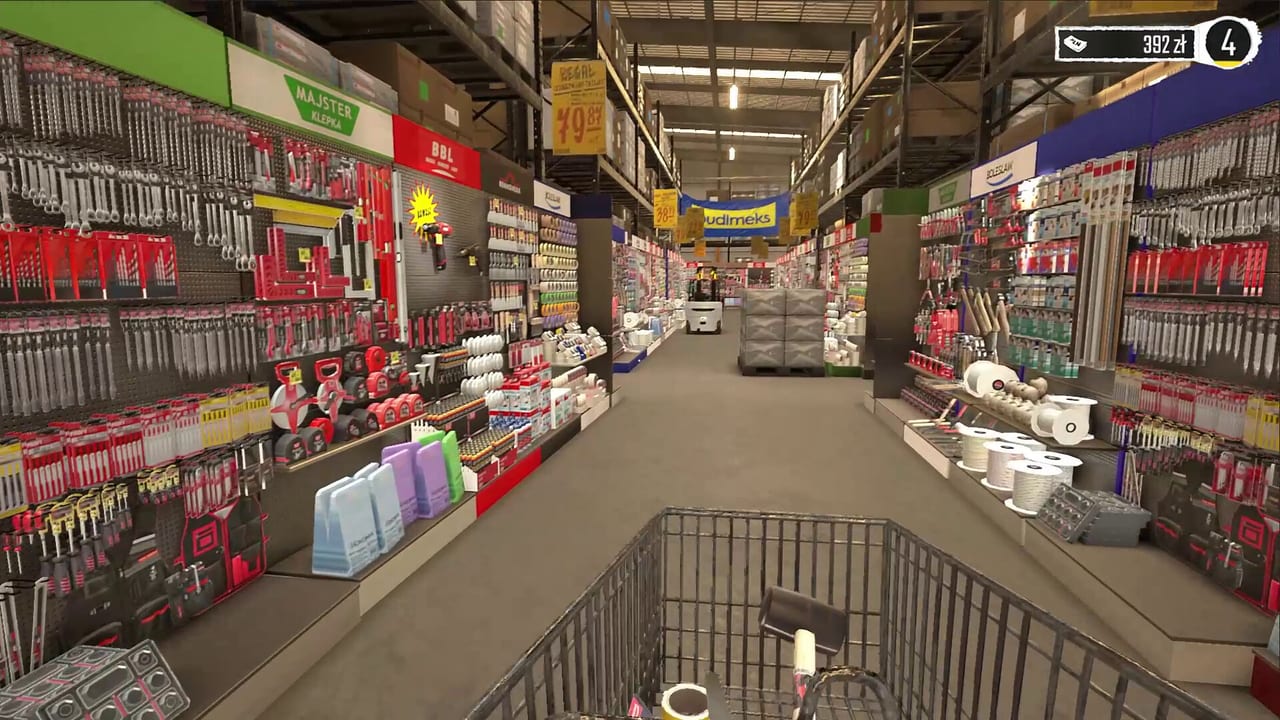
Low Budget Repairs is a first-person PC simulation built around looking, interacting, carrying, and using tools in cramped 90s apartments. Exact keybinds can be rebound in Steam Input or in-game settings, but the mental model stays stable. This page explains that model so you can focus on comedy and profit instead of fighting the camera.
Movement and camera
Expect standard WASD movement with mouse look. Crouch or slow-walk options (when available) help in tight bathrooms and kitchens packed with debris. Always re-center your view before placing tiles or swinging a hammer; misaligned camera is how “character” becomes accidental drywall holes.
Interaction
Interact keys (commonly E or left click on highlighted prompts) pick up trash, open cabinets, operate fixtures, and confirm tool use. If a prompt does not appear, change your angle — many Demo and playtest builds are picky about line of sight in cluttered rooms.
Carrying and disposal
Furniture and large debris use a carry state. While carrying, plan your exit path before you lift. Door frames in Polish blocks are not designed for modern sofas. When the path fails, pivot to the window strategy described in Furniture Out the Window. Never spin in place hoping the collision mesh will forgive you.
Tools
Tools occupy hotbar or equip slots depending on build. Select the tool that matches the task: brush for paint, appropriate bit for drilling, hammer for persuasion. Cheap tools break; keep a spare plan from Cheap Tools. If a tool stops responding, check durability and inventory before assuming a control bug.
Painting and surface work
Painting controls usually combine aim + hold interact while moving along the wall. Overlap strokes for coverage when using diluted paint — see Painting Walls. For tiles, placement often uses aim reticles; accept imperfect alignment as a valid completion path per Laying Tiles.
Shopping UI
The hardware store is a first-person or menu hybrid depending on version. Navigate categories for paint, tiles, consumables, and tools. Sort mentally by price, not brand fantasy. Use Hardware Store and Materials as shopping checklists so you leave with one bag, not three regret trips.
Accessibility and comfort
If mouse acceleration feels off, lower sensitivity before your first bathroom job. Motion-sensitive players should take breaks during debris-throwing sequences. Fullscreen exclusive vs borderless can affect mouse capture on some Windows setups — test before a long Demo session.
Practice drills
- Pick up and dispose of five trash items without dropping mid-path.
- Carry one chair through a door successfully, then one oversized item via window.
- Paint a single wall section with continuous strokes.
- Buy two consumables and one cheap tool in one store visit.
Related pages
Return to How to Play for loop context, the Demo walkthrough for sequenced practice, and System Requirements if input lag might be a hardware issue rather than binds.
Mastering controls in Low Budget Repairs is less about esports precision and more about reliable interaction in messy spaces. Once prompts and carry states feel natural, every shortcut guide on this wiki becomes usable.
Frequently Asked Questions
Quick answers for Demo and launch-week questions.
Can I play Low Budget Repairs with a controller?
The game is designed around keyboard and mouse. Controller support may vary by build — check Steam discussions and rebinding options.
Why can I not pick up an object?
Reposition for a clear prompt, drop what you are already carrying, and confirm the object is part of the current job checklist.
Where should I practice controls?
The Demo walkthrough is the safest sandbox before launch day pressure.