How to Play Low Budget Repairs
First-hour mindset for a profit-first handyman simulator.
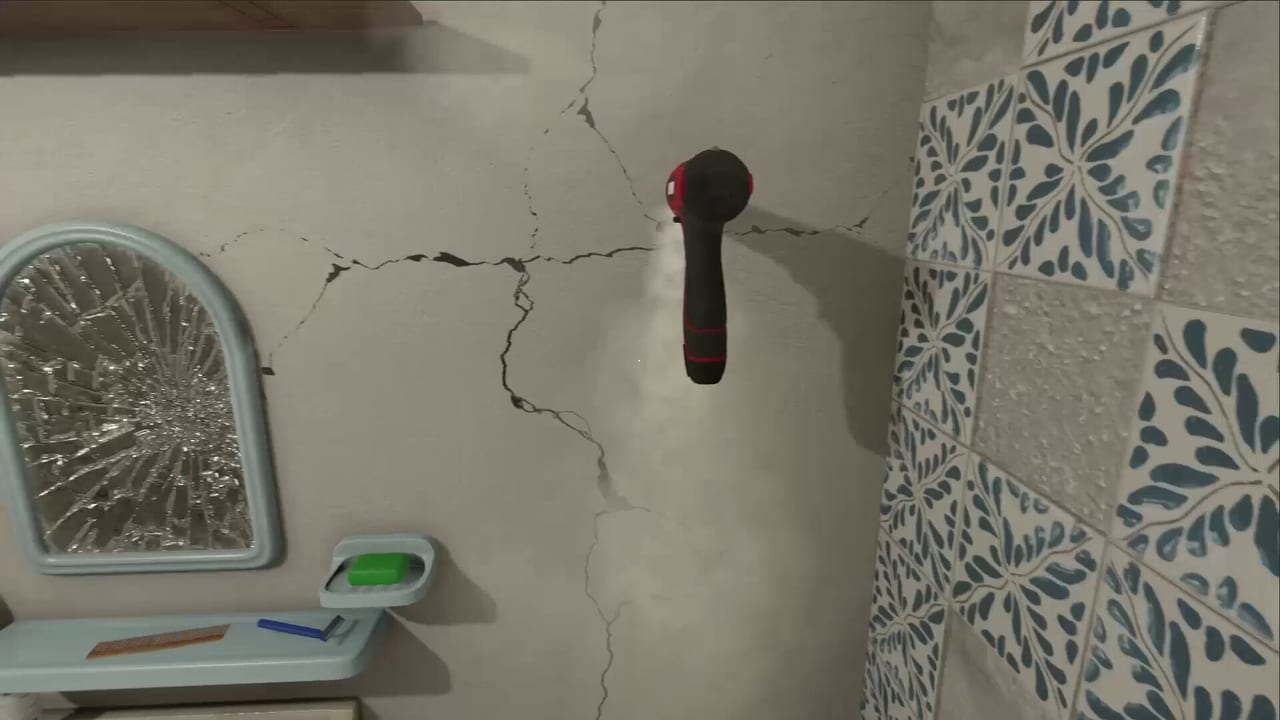
Low Budget Repairs puts you in first-person as a neighborhood handyman in a 1990s Polish block of flats. Your mission is not museum-quality renovation. Your mission is to finish the contract, protect your margin, and leave before the client studies every seam. This how-to-play guide explains the loop so you can enjoy the comedy without fighting the systems.
The core loop
- Accept a renovation or repair job from the neighborhood pipeline.
- Inspect the apartment: mess, broken fixtures, furniture that must move, walls that need paint or tiles.
- Buy materials and tools at the hardware store — preferably the cheapest options that still function.
- Complete task checklist items with improvisation when the “correct” method costs too much time or money.
- Collect payment. Ignore perfection. Prepare for the next cascade of problems you may have created.
That loop is the entire fantasy. If you play like a professional contractor, you will spend more and finish slower. If you play like a charming disaster, the game rewards you — until a shortcut backfires.
Demo versus full game
The Steam Demo (released July 24, 2026) offers selected jobs, basic cleaning and improvisation, and the 90s atmosphere. Use our Demo walkthrough for a structured first session. The full release on August 13, 2026 expands tasks, tools, and absurd scenarios. Treat Demo lessons as transferable habits, not a complete campaign map.
Mindset rules that actually help
Complete the letter of the job. If the contract says paint the walls, coverage matters more than perfect hue. Diluting paint — covered in Painting Walls — stretches a can further even when color looks tired.
Time is money. Laying tiles without obsessing over a level, documented in Laying Tiles, is intentional design, not a bug in your playstyle.
Space problems are physics problems. When furniture will not fit the door, the window is a legitimate gameplay answer. Read Furniture Out the Window before you waste twenty minutes rotating a sofa.
Cheap tools are a lifestyle. A hammer that lasts a few hits is still a bargain if you buy two. See Cheap Tools and the Tools Tier List.
Shortcuts have tiers. Not every hack is equal. Rank them with the Shortcuts Tier List so you know which risks are funny and which flood the next room.
First session checklist
- Confirm your PC meets system requirements.
- Learn controls for look, interact, carry, and tool use.
- Finish one Demo apartment without restarting for cosmetics.
- Visit the hardware store once with a shopping list, not vibes — Hardware Store and Materials.
- After payment, note what broke or looked awful. That list becomes your personal risk journal.
Common beginner mistakes
- Sanding every surface because “real renovators do that.” The fantasy is Fuszerka energy, not a trade school exam.
- Buying premium tools on day one. Durability matters later; cash flow matters now.
- Ignoring water damage order on bathroom jobs. Triage leaks before cosmetics — Bathroom Flood.
- Treating the trailer comedy as optional flavor. The trailer shows the intended play style; watch it mid-page above and mirror that chaos thoughtfully.
Where to go next
If profit is your bottleneck, open How to Make Money. If you want a critical take on tone and audience, read Preview & Review. Keep official links handy for Steam wishlist and Discord patches.
How to play Low Budget Repairs is simple to say and delightful to practice: finish the job, protect the margin, and leave a little character on every wall.
Frequently Asked Questions
Quick answers for Demo and launch-week questions.
Is Low Budget Repairs only about doing bad work?
It is about completing contracts cheaply and quickly. Quality is optional; consequences still exist. Balance speed with risks listed in the shortcuts tier list.
Do I need prior House Flipper experience?
No. Familiarity with first-person interact sims helps, but the comedy and economy are different. Start with the Demo.
Where is the official store page?
Use the official links page or the Steam CTA on this wiki.