Low Budget Repairs Demo Walkthrough
A structured first run of the free Steam Demo.
The Low Budget Repairs Demo went live on Steam July 24, 2026 at 4:00 PM CEST — a free slice that lets you taste questionable workmanship before the full launch on August 13, 2026 (roughly seventeen days from late July). This walkthrough focuses on what the Demo includes, how to sequence your first apartment, and which habits transfer to the complete game. If you only need the opening job order, jump to First Job Route after reading the overview.
Demo pacing advantages
The slice supports save anytime during play. Renovation tasks do not force timed input pressure — you can pause mid-job, adjust your shopping list, and retry awkward interactions without a countdown. That makes the Demo ideal for learning Controls before launch-week noise spikes. Early reception sits at Very Positive with 273 reviews and about 89% positive on Steam — see Demo Reception for community themes.
What the Demo contains
According to the official Demo page, you get selected renovation jobs, a first look at the 1990s Polish apartment-block atmosphere, basic renovation, cleaning, and improvisation mechanics, plus humorous situations inspired by shortcuts and DIY chaos. Treat it as a vertical slice, not a short campaign with every system unlocked.
Before you click Play
- Check system requirements — Demo and full game share the same PC targets.
- Skim controls so interaction prompts do not interrupt comedy timing.
- Wishlist the full game via official links if you like the slice.
Recommended first-run order
1. Enter and survey
Walk the apartment slowly. Note trash, stains, broken fixtures, and furniture that blocks paths. Mentally tag tasks as clean, repair, cosmetic, or remove. Surveying prevents buying the wrong materials twice.
2. Clean before you decorate
Cleaning reveals surfaces you will paint or tile. Skipping cleanup wastes materials and hides leaks. Follow the full order in Cleaning Jobs: trash, stains, surfaces — then cosmetics. Keep a trash plan: bags out the door when possible, window when the joke (and physics) demand it — see Furniture Out the Window.
3. Fix functional failures early
A flooded bathroom or dripping tap can invalidate later cosmetics. Follow Bathroom Flood Jobs for triage. If the apartment includes wiring or lamps, kill fuses before risky work — see Electricity & Wiring. Functional fixes protect your ability to finish the checklist.
4. Shop once with intent
Open the Hardware Store guide mindset: buy the cheapest paint, tiles, and tools that still complete interactions. Use Materials and Cheap Tools so you do not overspend on the Demo’s limited run.
5. Cosmetics with shortcuts
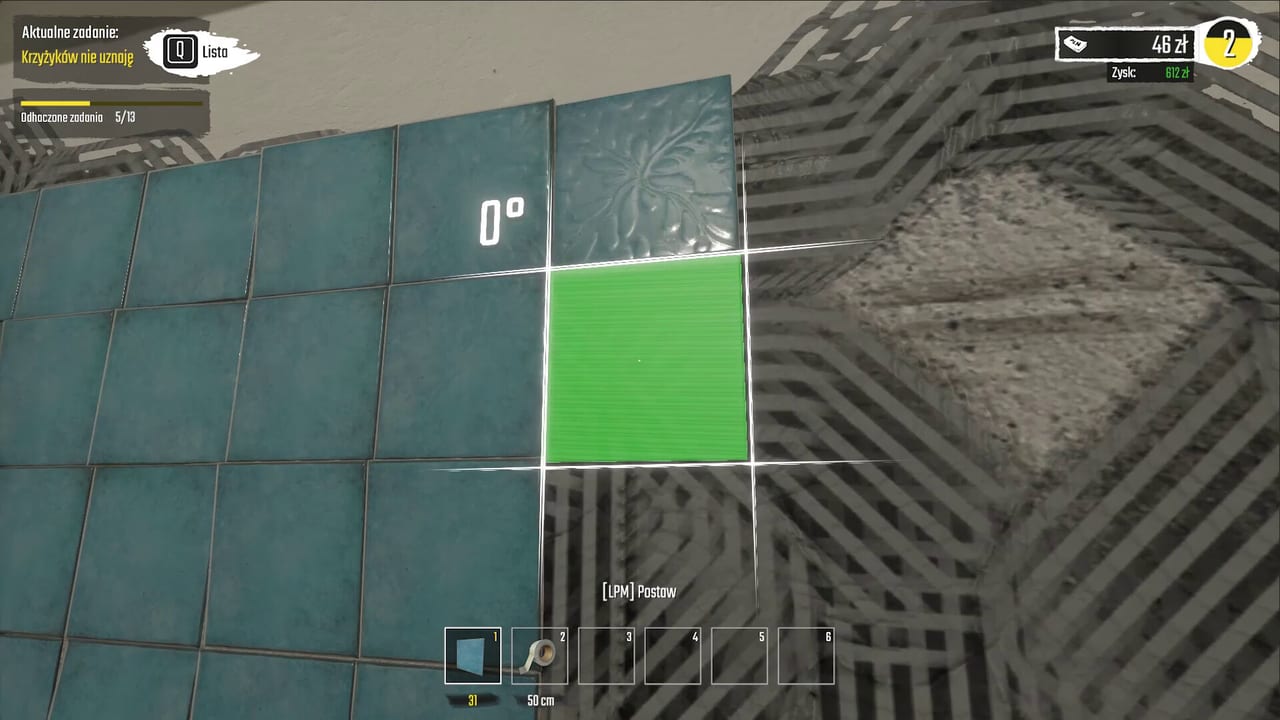
Paint with stretch tactics from Painting Walls. Tile with speed priorities from Laying Tiles. The Demo is the safest place to learn how ugly is still “done.”
6. Cash out and reflect
When the job completes, compare money spent to time used. Ask: which shortcut saved the most? Which almost caused a cascade? Log those answers; they feed How to Make Money and the Shortcuts Tier List.
What the Demo does not fully teach
Expect the full release to add more job types, tool variety, and longer narrative or neighborhood pressure. Demo mastery means you understand improvisation and shopping, not that you have mapped every apartment.
Practice goals for a second Demo run
- Finish a job without buying a second tier of tools.
- Complete painting with diluted coverage on purpose.
- Clear a furniture blockage using the window route once.
- Survive a wet-area job without ignoring standing water.
After the Demo
Read First Job Route to tighten the opening section, How to Play for mindset reinforcement, Preview & Review for expectations, Demo notes for patch-era context, and Launch Week Prep for the final countdown. Keep an eye on release date coverage as launch approaches.
The Demo walkthrough’s job is simple: prove you can finish messy work profitably. Once that clicks, the full Low Budget Repairs fantasy opens up.
Frequently Asked Questions
Quick answers for Demo and launch-week questions.
Is the Low Budget Repairs Demo free?
Yes. Download it from Steam via the Demo store page linked from the main app and our official links.
Does Demo progress carry to the full game?
Treat Demo progress as practice. Confirm save carryover in official patch notes closer to launch.
What should I practice most in the Demo?
Shopping discipline, opening-route order, and shortcut timing. Start with First Job Route, then repeat the broader Demo walkthrough.