Low Budget Repairs System Requirements
Know your PC before you dilute the paint.
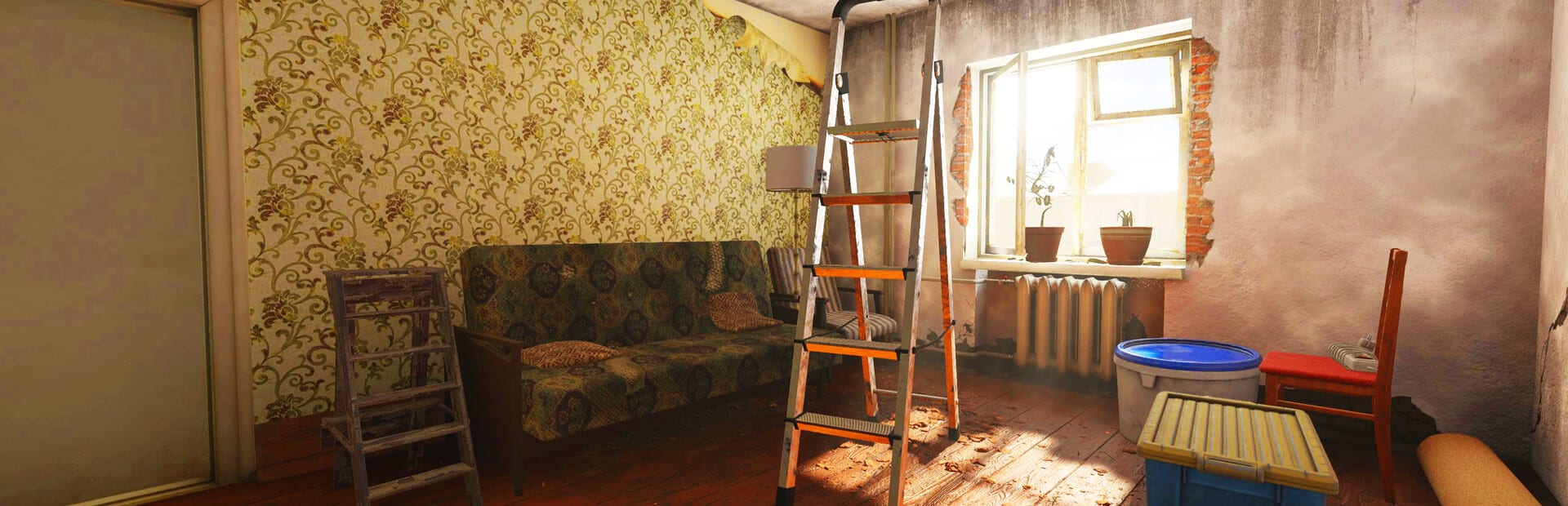
Before you download the Demo or pre-load the full game, match your PC to the official Steam targets. Low Budget Repairs is a first-person simulation with cluttered interiors; stable frame times make carrying sofas and aiming tiles far less painful.
Official minimum requirements
From the Steam store page for Low Budget Repairs:
- OS: Windows 10 64-bit
- CPU: AMD Ryzen 5 1st gen / Intel Core i5 7th gen
- RAM: 8 GB
- GPU: AMD Radeon RX 580 4GB / NVIDIA GeForce GTX 1060 6GB
- Storage: 30 GB available space
Official recommended requirements
- OS: Windows 10 64-bit
- CPU: AMD Ryzen 5 3rd gen / Intel Core i5 10th gen
- RAM: 16 GB
- GPU: AMD Radeon RX 5700XT 8GB / NVIDIA RTX 2070 8GB
- Storage: 30 GB available space
The Demo page lists the same targets, so a machine that runs the Demo comfortably is the right baseline for launch day.
Practical advice beyond the table
Storage: Keep a buffer above 30 GB for Windows updates and Steam shader caches.
RAM: 8 GB works on paper; 16 GB is kinder when Chrome, Discord, and Steam Overlay share the machine — Discord matters if you follow official links.
GPU: Interior clutter and particle mess (dust, water, debris) can hitch on minimum GPUs. Lower shadows first if settings exist.
CPU: Physics jokes (flying furniture) are more CPU-visible than a static menu. Close heavy background apps during Demo walkthrough sessions.
Laptop considerations
Many players asked about Mac support on Steam discussions; the listed platform is Windows. Boot Camp or cloud streaming are unofficial workarounds outside this wiki’s scope. Prefer a Windows PC that meets minimum specs.
Performance checklist before blaming controls
If interactions feel laggy, verify hardware before rebinding everything in Controls. Update GPU drivers, set Power Mode to High Performance on laptops, and ensure the game runs on the discrete GPU.
How requirements connect to gameplay guides
Stable performance makes Painting Walls strokes smoother and Furniture Out the Window throws more readable. Profit guides assume you can actually aim — How to Make Money.
Pre-launch plan
- Run the Demo on your target machine.
- Note average FPS in bathrooms and living rooms.
- Adjust settings until carrying objects feels consistent.
- Re-test after major GPU driver updates near release date.
Related pages
How to Play, Demo notes, and Preview & Review for expectations once the game runs.
Meeting system requirements will not make your renovations prettier — that is optional — but it will make every shortcut on this wiki playable.
Frequently Asked Questions
Quick answers for Demo and launch-week questions.
Are Demo and full game requirements different?
Steam lists the same minimum and recommended specs for both. Always re-check the store page near launch.
Can I play on Mac or consoles?
The listed platform is Windows PC via Steam. Watch official channels for any future ports.
How much storage should I free up?
At least 30 GB plus spare space for updates and shader caches.